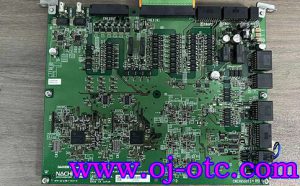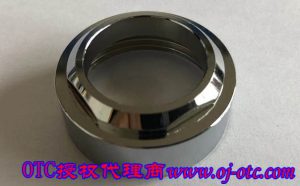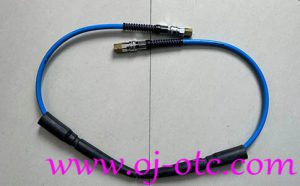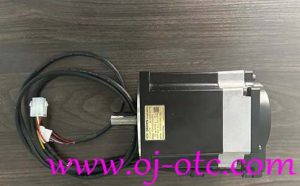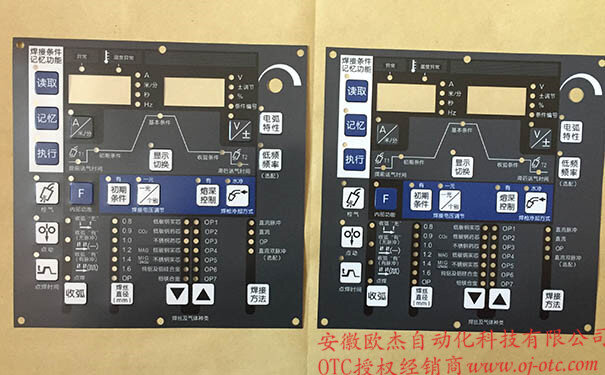
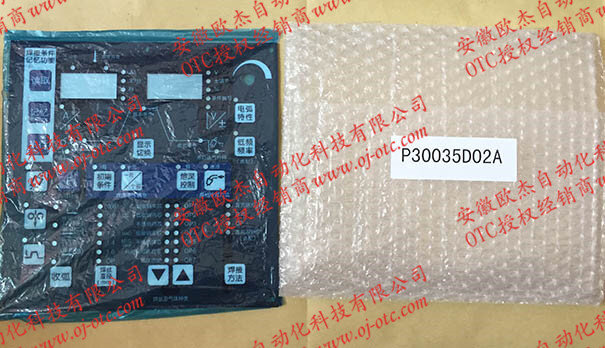
OTC Daihen Genuine Control Panel Protective Film P30035D02A (For DP400)
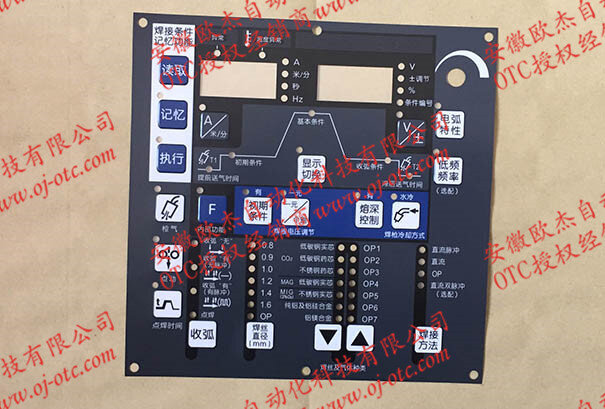
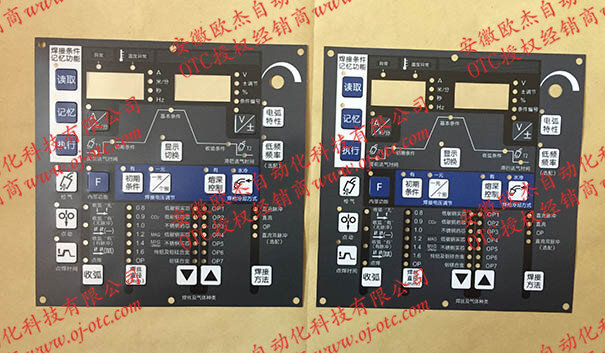
P30035D02A is the OEM genuine control panel membrane film custom-designed by OTC Daihen specifically for the DP400 digital inverter welding machine. Serving as both the human-machine interface and the protective armor for internal tactile switches, this genuine membrane is manufactured from flame-retardant, aging-resistant thickened industrial PVC with specialized surface hardening and anti-scratch coating. The silkscreen graphics are exceptionally durable against iron dust, grease, welding spatter, and high-frequency keystrokes. It solves common workshop issues like peeling edges, dust intrusion, and switch failure, restoring your welder to factory-original operational condition.
⚙️ Technical Specifications
| Specification Attribute | Detailed Parameter |
|---|---|
| OEM Part Number | P30035D02A |
| Product Type | Control Panel Protective Membrane / Front Overlay Film |
| Compatible Models | Exclusive fit for OTC DP400 Full-Digital Inverter Welder Series |
| Material & Processing | Industrial-grade thickened high-transparency PVC + hardened anti-scratch coating |
| Quality Guarantee | 100% genuine factory overlay; fade-resistant and blister-free |
🔧 On-Site Application & Maintenance Guide (Essential Reading)
- Thorough Surface Degreasing (Never Apply Over Oil): After removing the old membrane, clean adhesive residue and grease from the metal bezel using industrial solvent or anhydrous alcohol. Ensure the surface is 100% free of oil, moisture, and dust before application; otherwise, edges will peel and allow dust to destroy underlying switch PCBs.
- Precision Alignment Method: Peel back only the top 2-3 cm of the backing paper first. Align the upper indicator windows and display cutouts accurately. Once positioned correctly, slowly pull down the release liner while using a soft felt squeegee to apply even outward pressure from center to edge, eliminating air bubbles.
- Tactile Button Area Venting: Apply gentle pressure around embossed tactile button zones to prevent trapping air in switch cavities. Blistering around button domes ruins tactile feedback and can trigger false keystrokes.
- Remove Top Protective Layer: P30035D02A includes an ultra-thin transport protective film on its front surface. After mounting and squeegeeing firmly, peel off this transparent top liner from a corner to reveal the crystal-clear factory silkscreen finish.
📞 Genuine OEM Stock · Fast Worldwide Delivery
Official OTC Daihen Distributor — We guarantee 100% original industrial adhesive overlays!
WhatsApp:+86-18096631656 | Mail:ahojotc@gmail.com
⚡ Free expert technical support included for surface degreasing and bubble-free membrane application